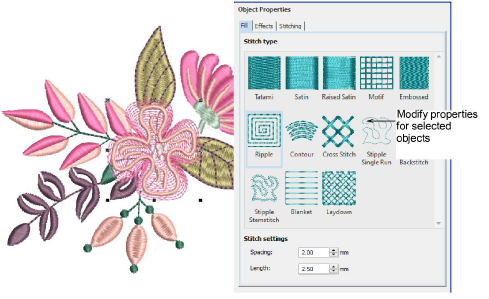
When you start a new design, the software uses settings associated with the chosen fabric. Some properties can be modified on-screen – for example, you can change object size by scaling with selection handles. Others, such as stitch spacing or length, can be modified via the Object Properties docker. This docker is open by default. You can make a selected object’s ‘actual’ properties ‘current’ for all new objects or apply them to other objects.
Add-ons
Get started & learn faster with...


