Use
Output Design / Context > Transfer Design to transfer current
design to the default machine folder. Right-click for settings.
Use
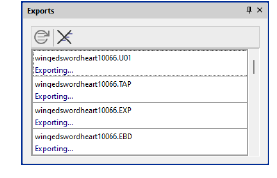
Dockers > Exports to view the export status of the current
session. Conversion to older formats or machine file is performed
as a background task.
Once your machine is set up, it only requires
a single click in order to send a design to the preset folder on your
network or PC.
To transfer design to machine folder...
1Click the Transfer
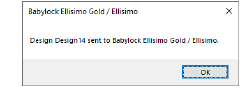
Design button. A confirmation message appears.
2The design is transferred
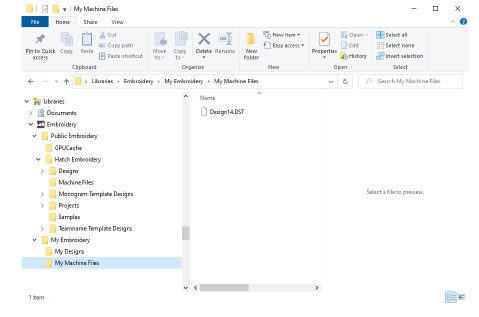
to the preset machine folder in the required file format. From here it
may be picked up by third-party machine connection software.
3Whenever you want to
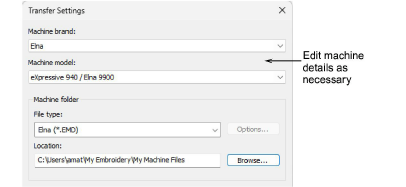
change machine type and/or file type, right-click Transfer
Design to access the Transfer Settings
dialog.
Usage tips
Use the Exports docker
to view the export status of the current session. Conversion to older
formats or machine file is performed as a background task.
Check your machine documentation
for steps involved after transferring the design to machine.