Use Output Design / Standard > Print Design to print the current design.
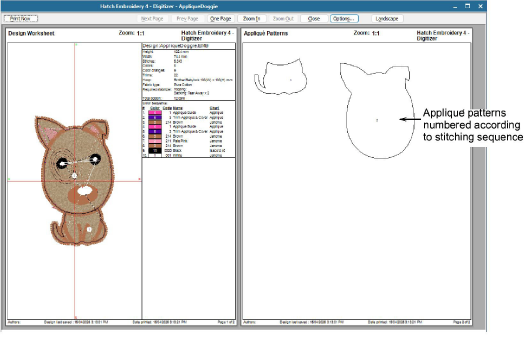
Use Output Design / Standard > Print Preview to preview design worksheet. Print from preview window.
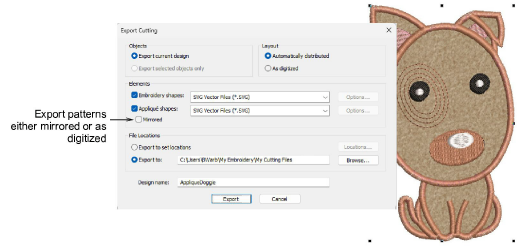
Use Output Design > Export Cutting to export the current design or selected objects to SVG file format for cutting.
Hatch Embroidery allows you to print a copy of appliqué patterns to cut out fabric pieces. Each appliqué pattern piece is numbered according to the stitching sequence.
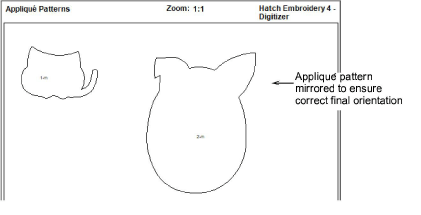
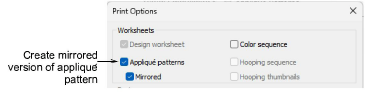
Hatch Embroidery 4 adds greater flexibility when printing appliqué templates, with the option to print patterns either mirrored or as digitized. This ensures correct final orientation depending on your tracing or placement method.
When the mirror option is selected, a mirrored version of the pattern is generated in print preview and output, making it easy to distinguish between orientations.
The same option is also provided in the Export Cutting dialog.