
Use Edit Objects > Multi Blend to generate color blends, perspective effects and shading in selected objects.
|
|
Use Edit Objects > Multi Blend to generate color blends, perspective effects and shading in selected objects. |
The new Multi Blend feature builds on and greatly extends the capabilities of the former Color Blend tool.
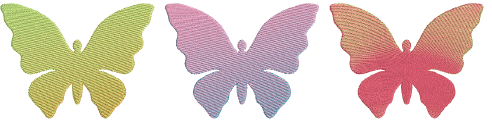
It delivers smooth, natural color transitions and sophisticated shading – all within a single, editable object. It is available under Edit Objects > Multi Blend or Dockers > Multi Blend.
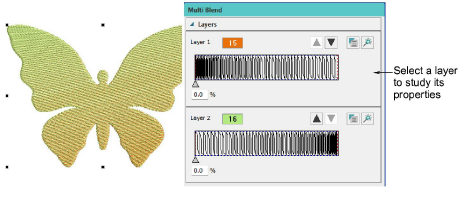
With Multi Blend, you can create two layers of stitching using any combination of stitch types, fill styles, and special effects.
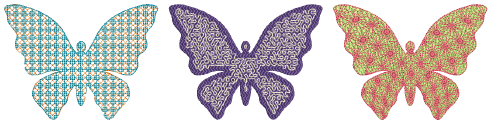
Create multi-color blends and natural shading from a single, editable object.
Combine two stitch layers using varied stitch types, fills, and effects.
Adjust, reorder, or restyle layers individually or together without compromising object integrity.
Use factory or custom profiles with preferred colors, fill types, and effects for consistency and speed.
Add-ons
Get started & learn faster with...






