
Use Digitize > Continue Digitizing to continue digitizing selected objects from the exit point. Right-click object to continue from the entry point.
|
|
Use Digitize > Continue Digitizing to continue digitizing selected objects from the exit point. Right-click object to continue from the entry point. |
Hatch Embroidery lets you to continue adding sections to the same object after you have pressed Enter. This is ideal for satin columns or outline stitching.
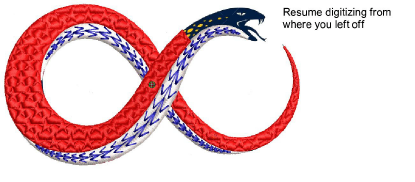
Use the feature when you need to redirect, add detail, or extend an object, while keeping it as one editable element for smooth joins and consistent properties. There are two main use cases...
To resume digitizing without starting over, simply click the Continue Digitizing tool. By default, digitizing resumes from the exit point.
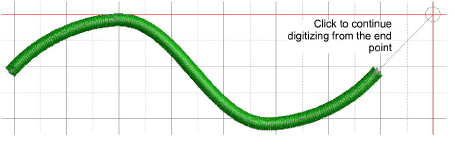
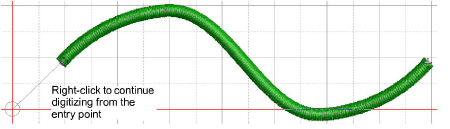
To continue from the entry point, right-click the tool instead. Press Enter to complete the object or Esc to cancel.
If you’ve already completed an object and want to extend it:
Select the object, then click (left or right) the Continue Digitizing tool. For ‘power users’, shortcut keys [`] (grave accent) or [Shift + `] do the same thing.
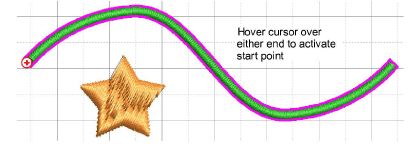
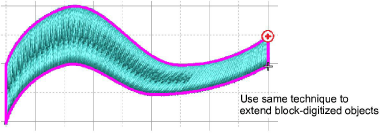
Alternatively, select the tool first, then hover over the object you want to extend. A + sign appears at either end, depending on cursor position. Click to start digitizing.
These techniques apply equally to block-digitized objects.
Add-ons
Get started & learn faster with...






