
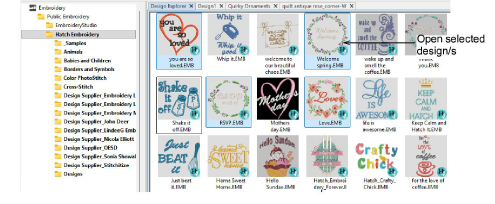
Use Manage Designs > Open Selected to open the design(s) selected in the Design Explorer window.

Use Manage Designs > New From Selected to create new design(s) based on the selected design(s) and/or bitmap(s) from a chosen template.
With the Manage Designs toolbox, you have the option of opening one or more selected designs in their own design tabs.
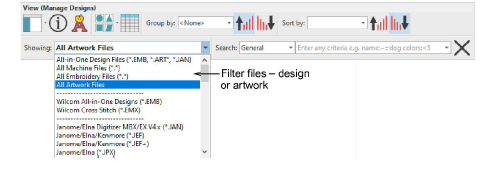
Filter the library to show the file types you want – design or artwork.
Simply double-click to instantly open a design in the design window.
To open multiple designs simultaneously, hold down the Ctrl key as you select, and then click Open Selected.
Alternatively, click New From Selected. The only difference for practical purposes is that this command creates a copy which opens in a new design tab, thus preserving the original design file.
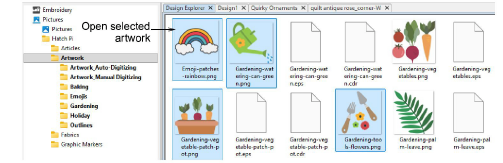
You can also open selected artwork by the same methods.
Add-ons
Get started & learn faster with...






