Output designs

ExportDesign.png 

Use Output Design > Export Design to export the current design to a machine file for stitching.

TransferDesign.png 

Use Output Design / Context > Transfer Design to transfer current design to the default machine folder. Right-click for settings.

Exports.png 

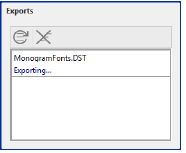
Use Dockers > Exports to view the export status of the current session. Conversion to older formats or machine file is performed as a background task.
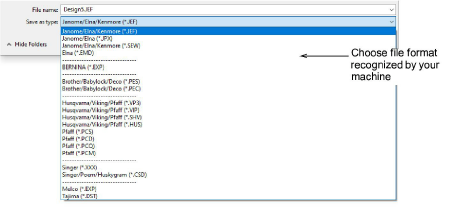
Send the design to machine via data media (usually memory stick). Or by file transfer. But before outputting to machine file, be sure to first save your design as EMB.

ExportMachineFileDroplist.png


Use the Exports docker to view the export status of the current session. Conversion to older formats or machine file is performed as a background task.

Exports00048.png


Note: Check your machine documentation for steps involved after transferring the design to machine.

Related topics

