
Use Manage Designs > New From Selected to create new design(s) based on the selected design(s) and/or bitmap(s) from a chosen template.
|
|
Use Manage Designs > New From Selected to create new design(s) based on the selected design(s) and/or bitmap(s) from a chosen template. |
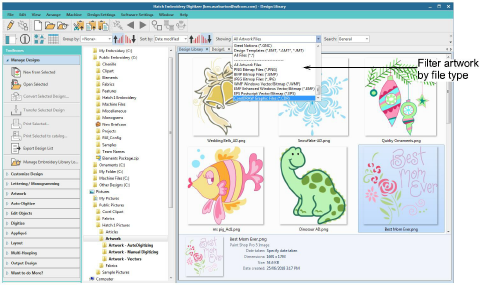
Use the New From Selected command in Design Explorer to open selected graphic files in their own design tab ready for digitizing. In addition to other image file formats, you can also view and open CDR files directly from Design Explorer. Use the droplist to filter artwork by file type.
Add-ons
Get started & learn faster with...






