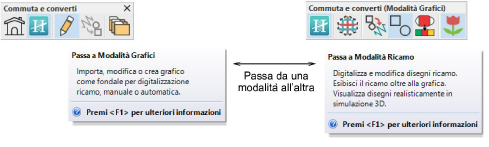
Hatch Embroidery has a single ‘design space’ but when integrated with CorelDRAW GEM per Hatch Embroidery, you may interact with it via the Switch and Convert toolbar. The Modalità Grafici workspace contains the entire suite of Software CorelDRAW drawing tools. This mode allows you to create and edit vector graphics using the Modalità Grafici toolset which offers many sophisticated techniques for drafting outlines and shapes onscreen.
Modalità Grafici allows you to convert vector graphics directly to embroidery objects using a variety of techniques. Similarly, you can convert embroidery designs or objects to vector graphics. You can also quickly convert between different embroidery objects.
Tip: If you are using a vector graphic, you can remove overlapping objects by ‘merging’ them. This eliminates overlapping stitching when vector objects are converted. Per dettagli vedi Holes.
Componenti aggiuntivi
Inizia ed impara più rapidamente con...