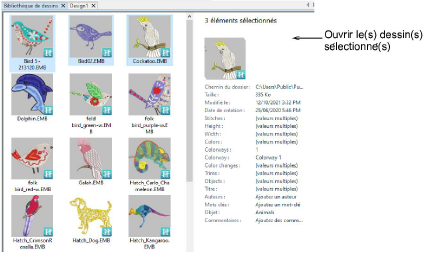
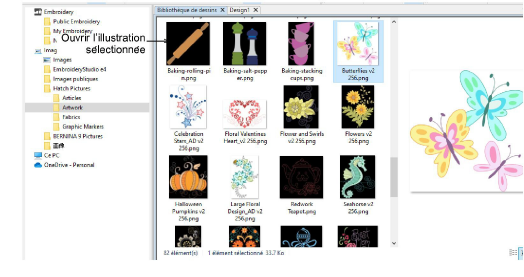
Use Manage Designs > Open Selected to open the design(s) selected in the Bibliothèque de dessins window.

Use Manage Designs > New From Selected to create new design(s) based on the selected design(s) and/or bitmap(s) from a chosen template.

Use Standard > Open Design to open an existing embroidery design.

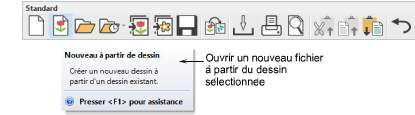
Use Standard > New From Design to create a new design based on an existing design.