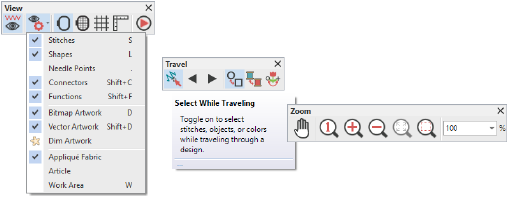
You access commands in your design window using toolbar buttons. To activate a tool, simply move the mouse pointer over it, and click with the left mouse button. Where applicable, right-click a tool to access settings.
Note: Not all tools and commands are applicable to all product levels.
Add-ons
Get started & learn faster with...


