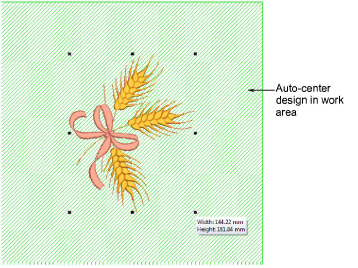
Work Area allows you to arrange multiple embroidery elements on an item or fabric to be sewn.
Before you can create a design layout, first define a work area corresponding to the item or fabric you intend to sew on.
Work areas can rectangular or circular.
The software allows you to define an area up to 3m x 3m.
With a design or artwork selected, click Auto Center and press Enter to center it in the work area.
Use the W shortcut key to toggle the work area on or off.
Add-ons
Get started & learn faster with...


