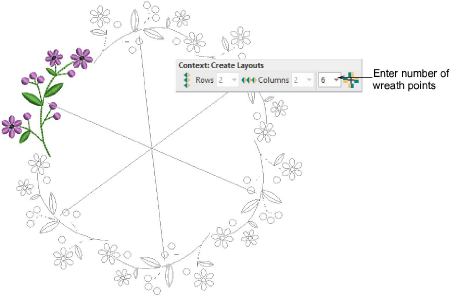
Use Circle Layout to duplicate objects around a center point.
Select the object or design and click Circle Layout.
Enter the number of wreath points in the Context toolbar.
Enter an even number to activate the Mirror Alternate toggle. This allows you to mirror duplicates.
Click to mark the reflection point and press Enter to confirm.
If duplicates overlap the original, you are prompted to merge objects.
Add-ons
Get started & learn faster with...


