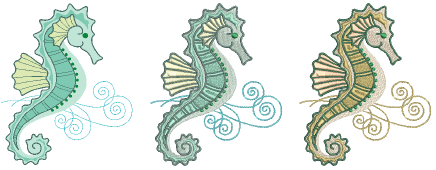
Creating an embroidery design with Auto-Digitize Instant Embroidery is as simple as selecting an image and clicking the tool.
Scan or load an image, and edit and process as necessary.
Size the image in the Context toolbar to approximate dimensions.
Optionally, preset Design Colors according to available threads. Select from a wide range of commercial thread charts.
Select the image and click the tool. The system automatically determines which colors to fill, turn into details, or omit altogether.
If an image is not preprocessed, Auto-Digitize Instant Embroidery automatically processes and converts it.
It recognizes shapes in artwork and chooses suitable stitch types to use.
After conversion, delete any unwanted background stitching. Edit stitch colors and types as preferred.
Add-ons
Get started & learn faster with...


