Use Context > Underlay to apply or exclude automatic underlays to new or selected objects. Right-click for settings.
|
|
Use Context > Underlay to apply or exclude automatic underlays to new or selected objects. Right-click for settings. |
Hatch Embroidery lets you adjust values to suit different fabrics, lettering appearance and size. Larger areas and stretchy fabrics such as knits and pique generally need more underlay than smaller areas and firm fabrics such as drill or leather. At times, when you want a full design with extra lift under the stitches, a tatami underlay is preferable. On knits, edge run is best. To change underlays, select and double-click a filled object. Go to the Stitching tab and open the Underlay settings. If not already checked, select the Underlay checkbox and make a selection from the droplist.
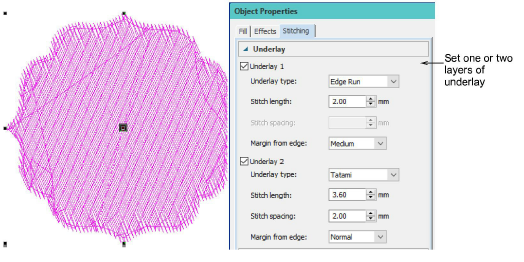
Underlay stitching has similar settings available as the cover stitch except that default stitch spacing is much more open.
|
|
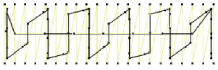
Stitch length: 2.0 mm |
|
|
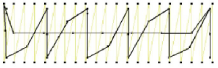
Stitch length: 4.0 mm |
Add-ons
Get started & learn faster with...